FAQs: eBooks & Library
BCS Books and BCS eBooks Library - when do I receive access?
We request access from the publishers as soon as we can. You should receive your code by email within 10 days, please contact us if you have not received it.
Can I access my ebook or eBooks Library on more than one device?
Yes. You will be able to download and access your eTextbook onto 2 computers AND 2 mobile devices using the Bookshelf app.
Do I have to be connected to the internet to read my ebook and eBooks Library?
No! You can access 100% of your eTextbooks without an internet connection.
To access your eTextbooks offline, you will need to download the Bookshelf app onto your computer, tablet or mobile device, visit the Vital Source Support Site.
iOS users must redeem codes via the Vital Source website first, not the app.
To access your eTextbooks offline, you will need to download the Bookshelf app onto your computer, tablet or mobile device, visit the Vital Source Support Site.
iOS users must redeem codes via the Vital Source website first, not the app.
Who do I contact for technical and account support issues?
Please contact the Vital Source contact team:
support@vitalsource.com
If your query relates to not receiving your eBook code, please contact us.
support@vitalsource.com
If your query relates to not receiving your eBook code, please contact us.
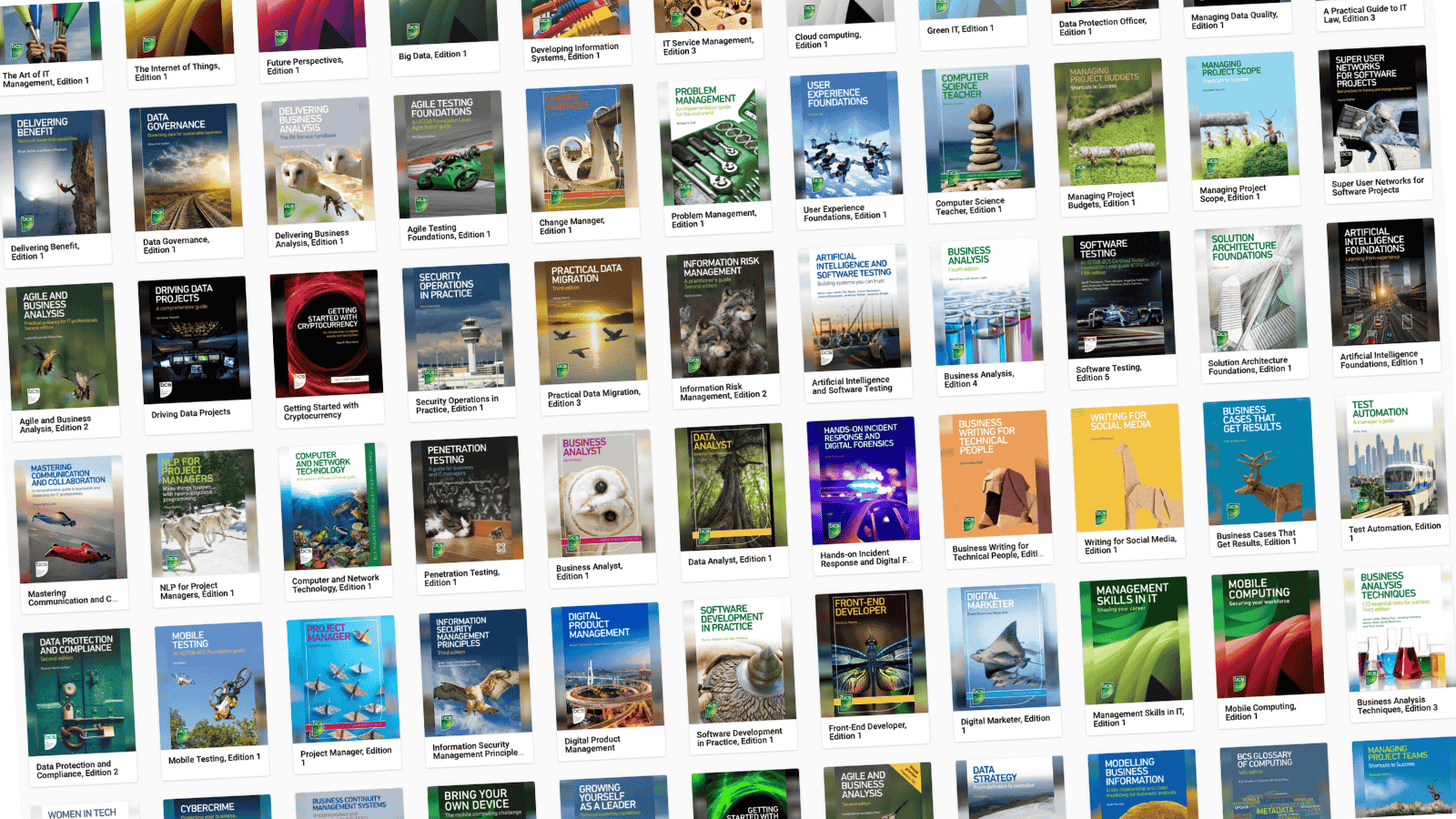
BCS eBooks Library - how do I get access and see all the titles?
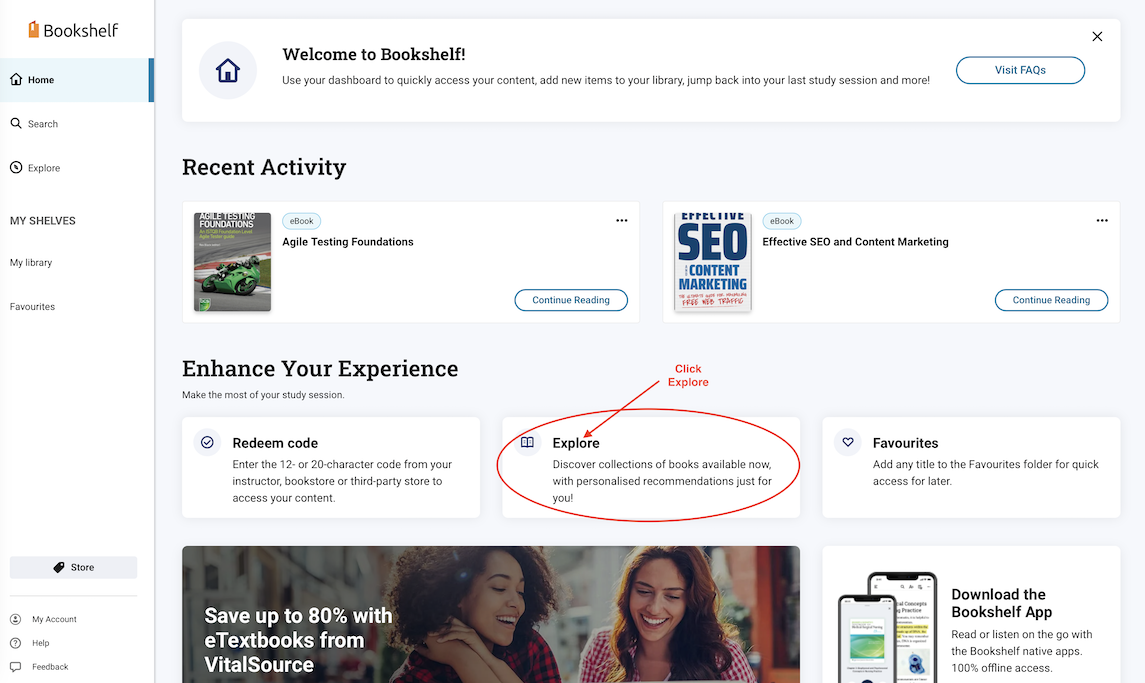
BCS Books -
how do I redeem my code?

Award-winning online training for professionals and teams, accredited by BCS and The Corporate Governance Institute.

© 2026 Duco Digital LTD.
Registered in England 11214938.
VAT number 371532213.
Created with